If Apple Pay is unavailable in your country and you want to use Odix Pay, follow these steps:
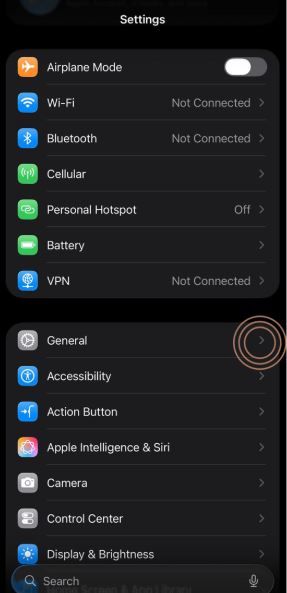
1-First, go to your phone's Settings menu
2- Then click on "General."
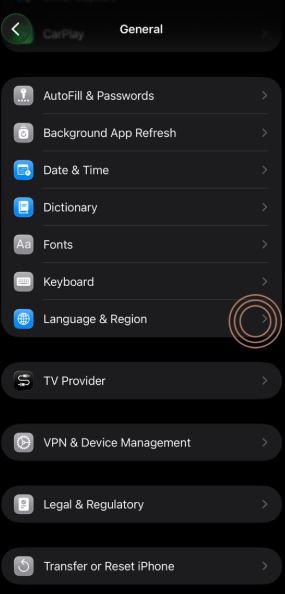
3- Select "Language and Region."
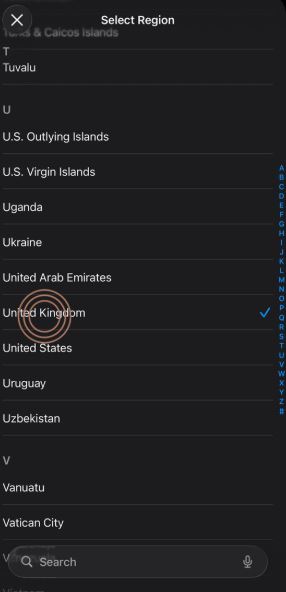
4- Click on the "Region" option and choose the USA
5- Finally, you can add your Odix Pay virtual card to Apple Pay.By following these steps, you can use Apple Pay and make payments with Odix Pay.