Once your Odix Pay physical card arrives, follow these steps:
1-Log into your Odix Pay app.
2- Click on the "Card" section.
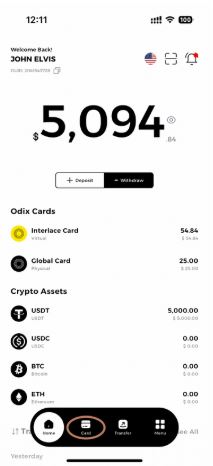
3- Click on your card.
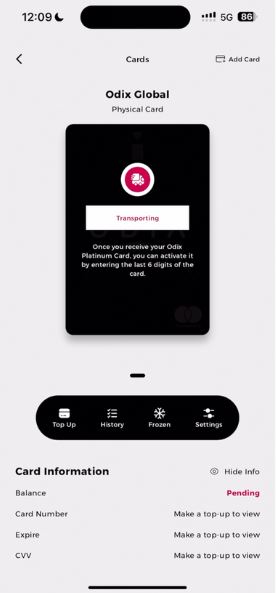
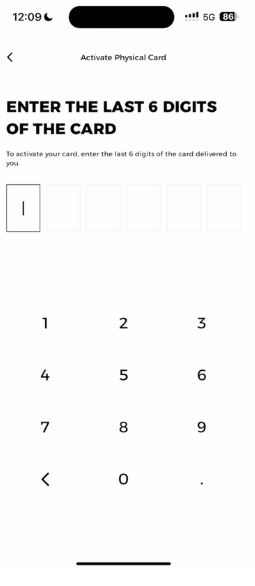
4- Enter the last 6 digits of your card in the provided field.
5- Set a PIN for your card.
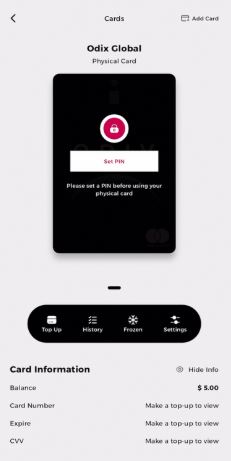
6- Re-enter your PIN to confirm.
7- Congratulations, your card is now activated, and your PIN has been set.