1. Open Apple Wallet and then tap the '+' icon.
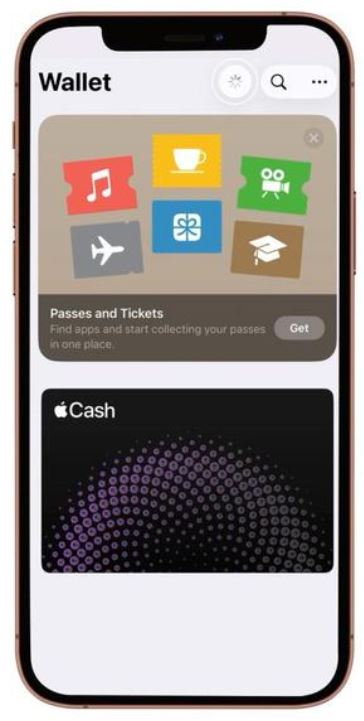
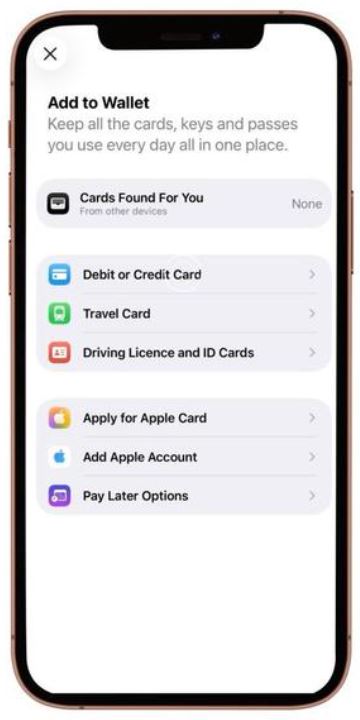
2. Select Debit or Credit Card.
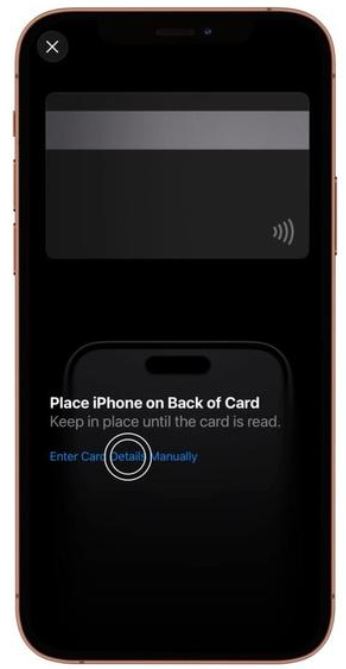
3. Tap the ‘Enter Card Details Manually’ option.
4. Enter your name and Odix Card number.
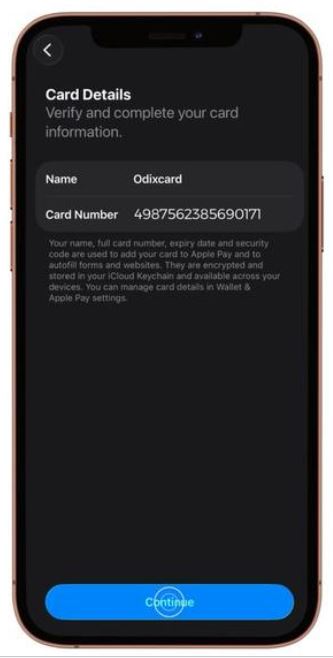
5- Enter the expiry date and security code.
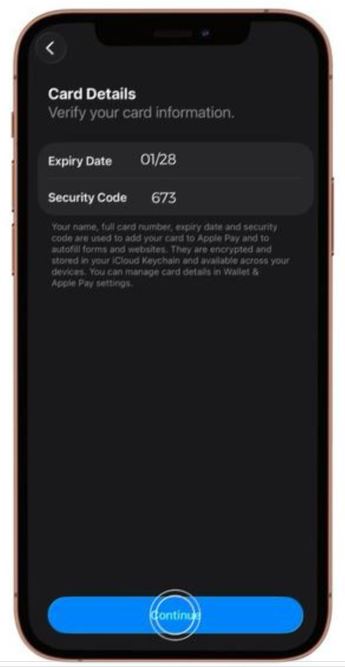
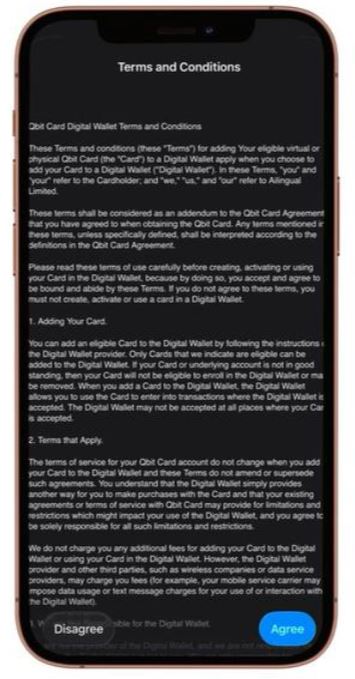
6. Accept the terms and conditions.
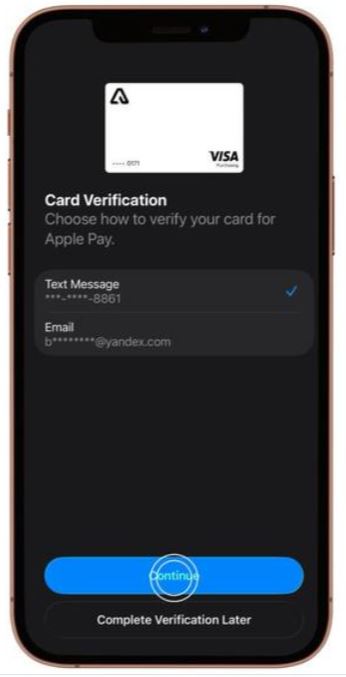
7. Select a card verification method.
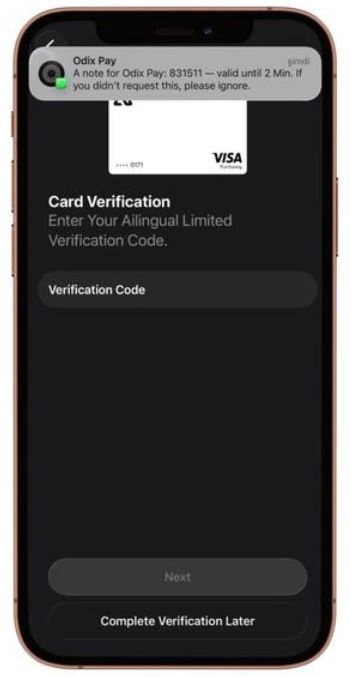
8. Enter the verification code.
9. Congratulations, your card has been added to Wallet.