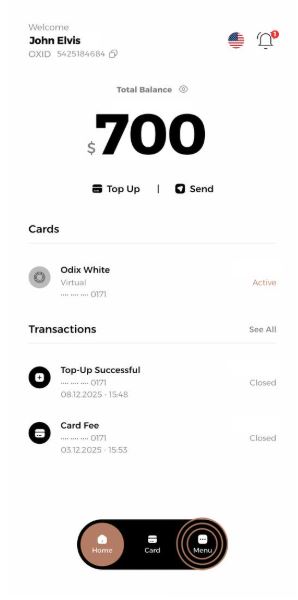
1- Go to Profile in the menu.
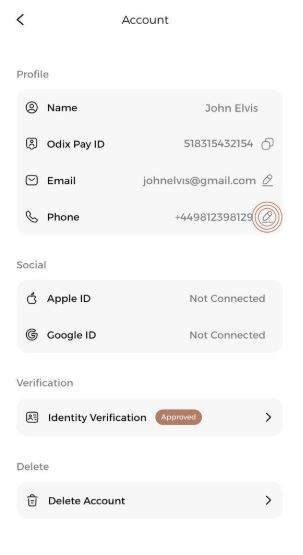
2- After tapping on account settings, click the "Change" option next to your phone number.
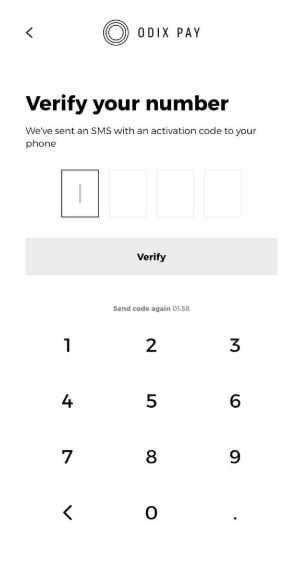
3-Verify the code sent to your phone.
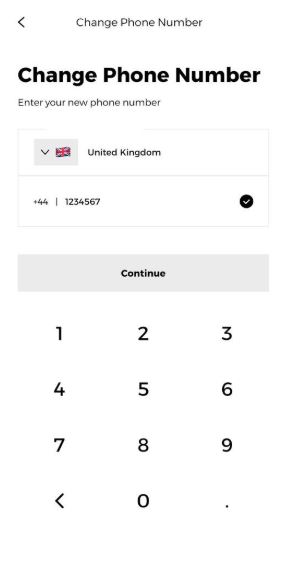
4- Enter your new phone number.
5- Verify the code sent to your new phone number.
6-Your phone number will be successfully updated.
7-Due to security confirmation, your transaction limit will be $1000 for the next 24 hours.