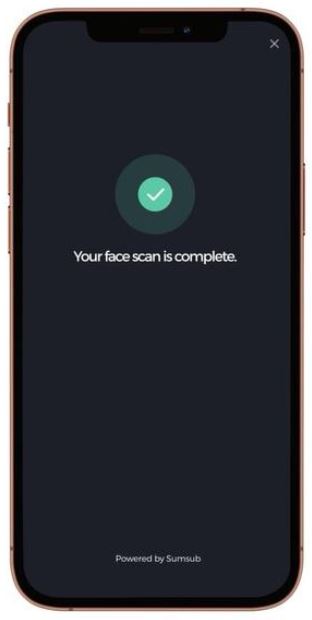
Successfully complete your identity verification, follow these steps:
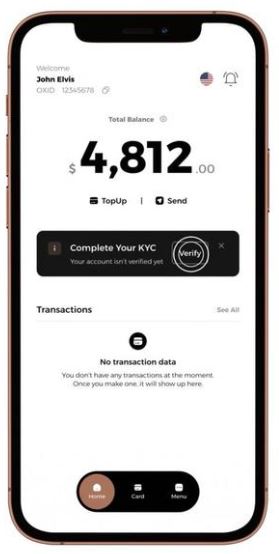
1- Log into your Odix Pay account.
2- Press the Verify button next to the Complete Your KYC option.
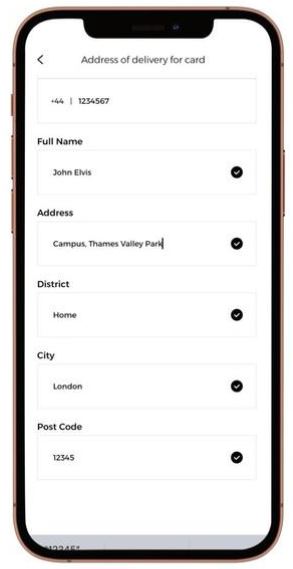
3- Fill out your address details in full.
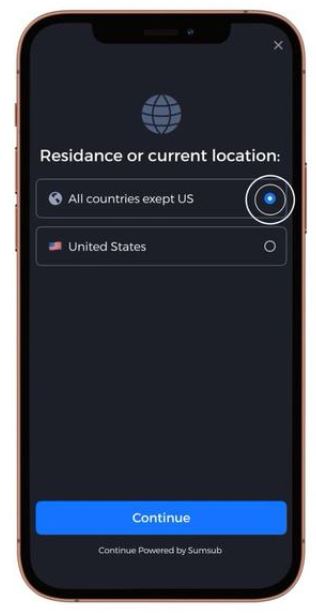
4- Select your location of residence.
5- Select Identity Document and continue.
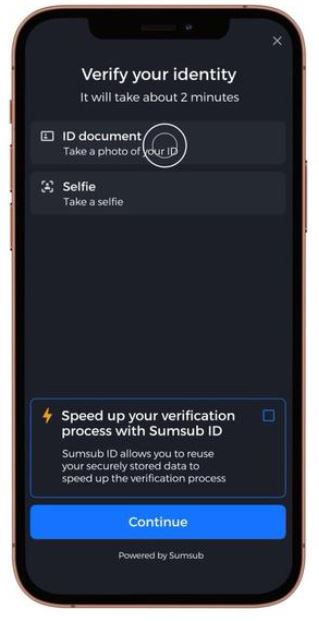
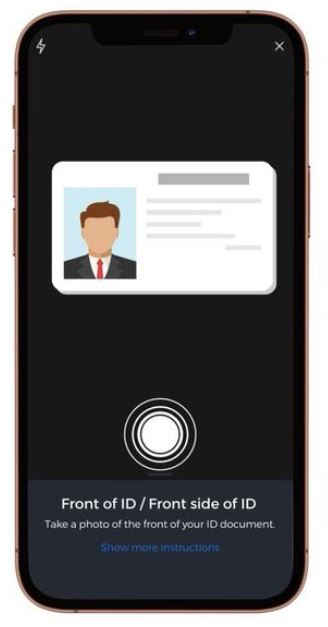
6-Take photos of the front and back of your ID.
7-Take a selfie where your face is clearly visible.
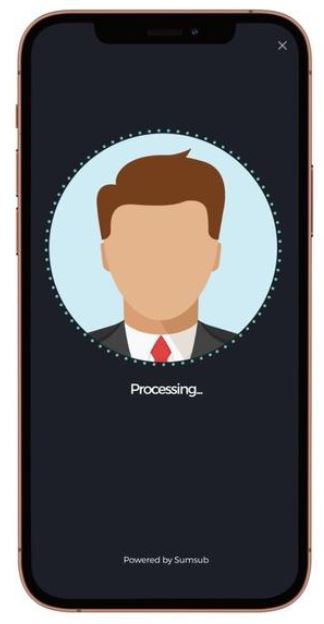
8-Congratulations, verification is complete!