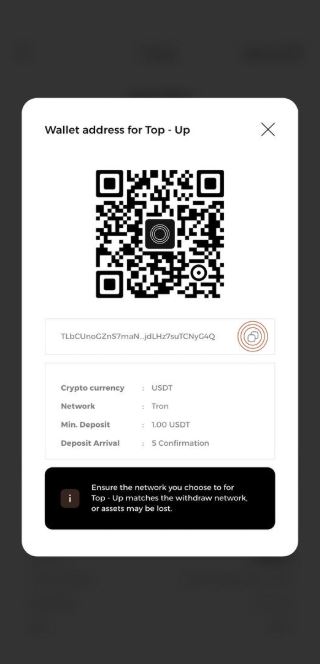
To load balance onto your card, you can follow these steps:
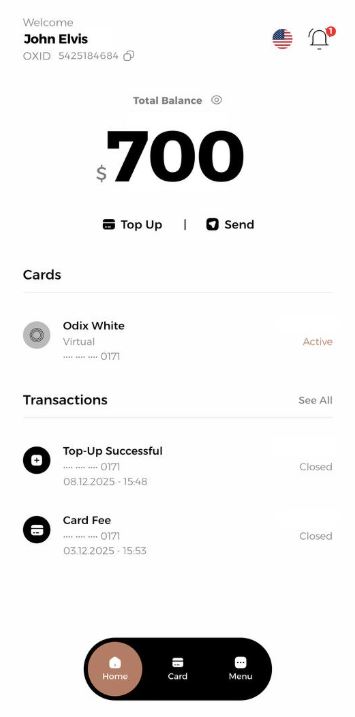
1.Log in to the app.
2.Click on the "Top Up" tab on the main screen
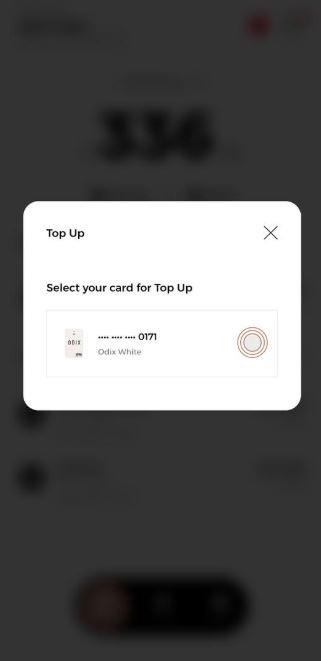
3- Select Top Up Card
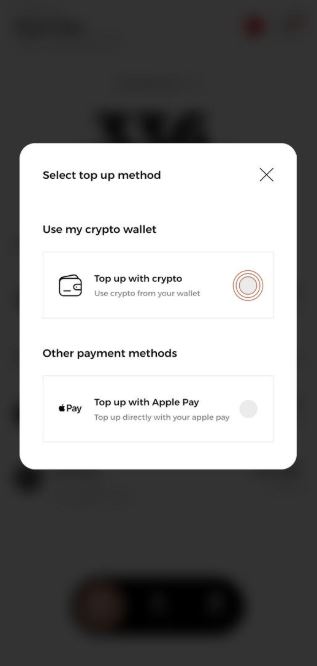
4- Select Top Up Method
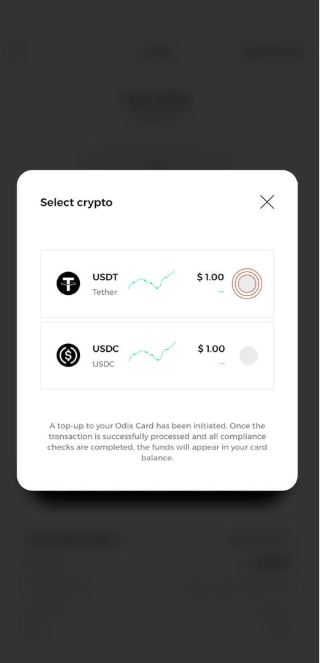
5- Select the type of coin you want to use.
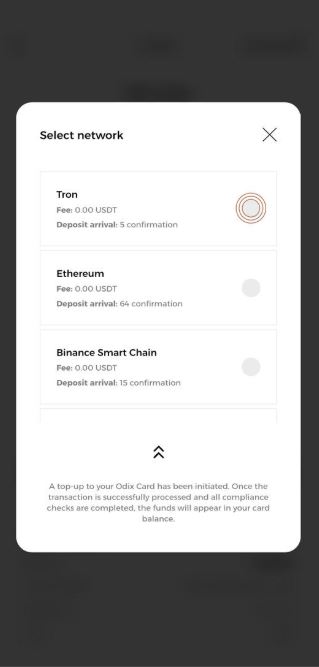
6- Choose the appropriate network for the selected coin.
7- Complete the deposit by using either the QR code or wallet address link options.