To view transactions related to your card, follow these steps:
1.Log in to the app.
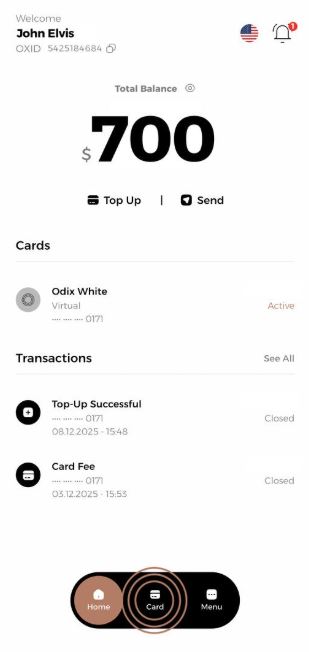
2.Go to the “Card” section on the main screen.
3- Click on the “History” tab under your card.
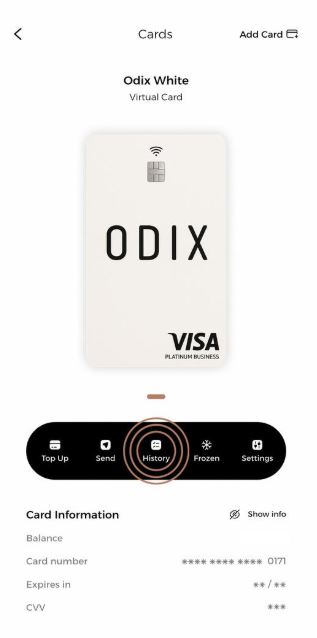
4- In this section, you can view all the transactions related to your card.