1- Download the Odix Pay app.
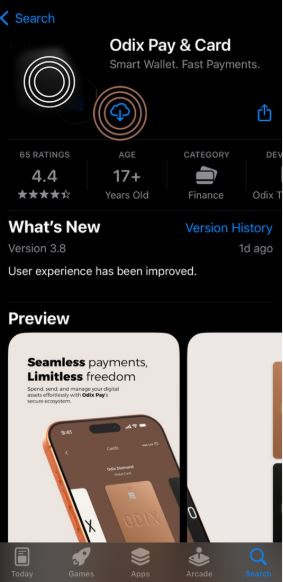
2. Click on the "Create Account" option.

3. Enter your First and Last Name and email address, and create your password.
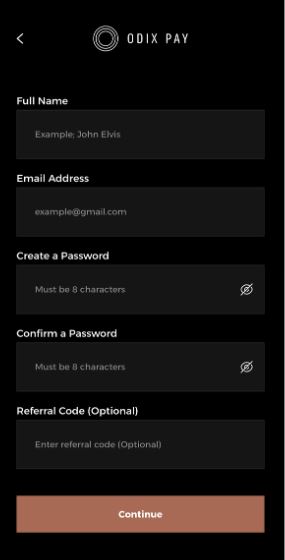
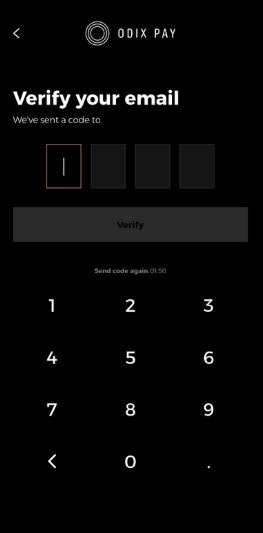
4. Verify your email address by entering the code sent to your email.
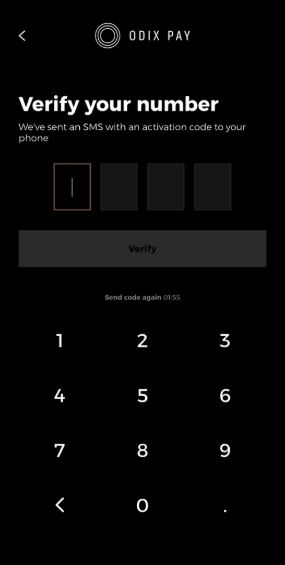
5. Enter your phone number.

6. Verify your phone number by entering the code sent to your phone.
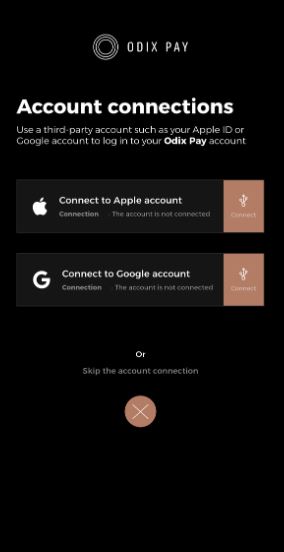
7. Connect your accounts
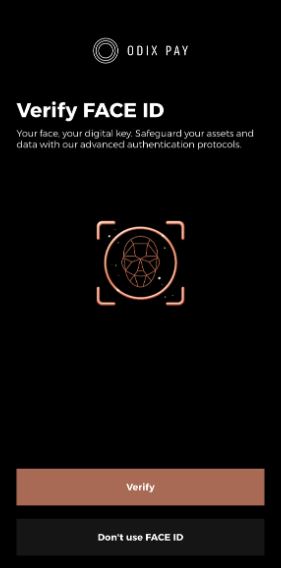
8. Perform Face ID verification for login.
9. Congratulations, your account is ready for use!